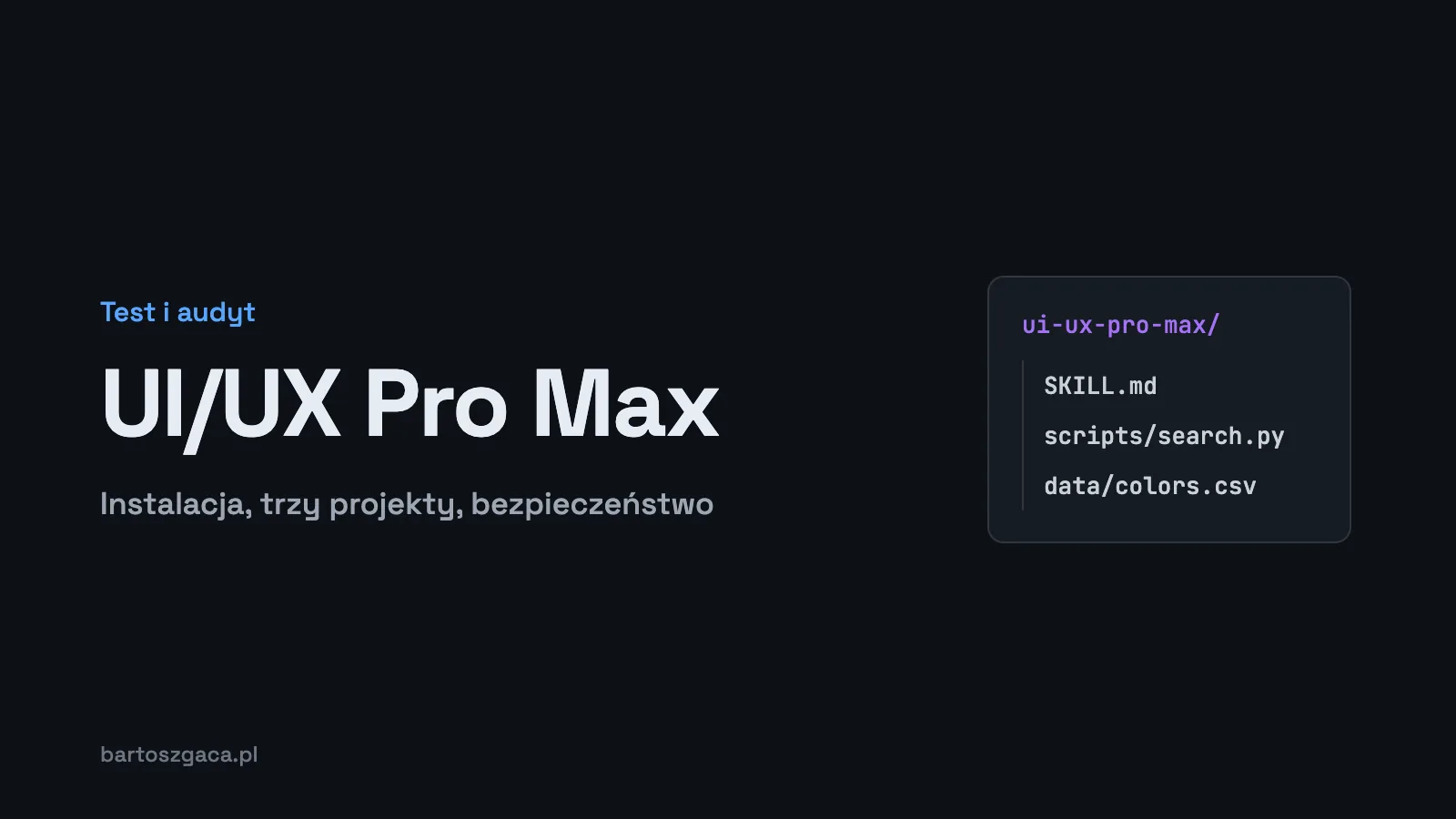
UI/UX Pro Max is a skill that gives your AI assistant a searchable library of palettes, font pairings, styles and UX guidelines, plus a generator that turns one query into a full design system. I installed it in Claude Code, ran the generator on three projects and read its scripts. In the commit I checked, the runtime scripts make no network calls, but that audit has limits, and I spell them out below.
TL;DR
- nextlevelbuilder/ui-ux-pro-max-skill has 145,698 stars (November 2026) and an MIT license.
- The data holds 192 palettes, 74 font pairings and 119 UX guidelines. I counted the CSV rows; the README numbers check out.
- The generator is keyword driven. A flower shop booking query got a generic "calendar" palette; a bouquet shop query got green and pink.
- The runtime scripts in commit b7d5353 use only the Python standard library with no networking modules. I did not audit the npm CLI or the extra skills in the repo.
What UI/UX Pro Max is
It is a data-heavy design skill. Where Anthropic's frontend-design skill teaches Claude how to think about design, UI/UX Pro Max hands it concrete values. The v2 README lists the following, and I verified the counts against the CSV files in the repository on November 6, 2026:
| Resource | Count | Source |
|---|---|---|
| Color palettes | 192 | colors.csv, 192 rows |
| Product types | 192 | products.csv, 192 rows |
| Font pairings | 74 | typography.csv, 74 rows |
| UX guidelines | 119 | ux-guidelines.csv, 119 rows |
| Styles | 80 searchable, 51 of them active | styles.csv, 89 rows (including 9 deprecated) |
| Chart types, stacks, reasoning rules | 25, 22, 192 | README |
Search runs on BM25. The latest release when I wrote this was v2.15.0 (August 13, 2026), and the last commit was on November 5, 2026.
Installing: plugin or CLI, global or per project
The quickest route in Claude Code is the plugin marketplace:
/plugin marketplace add nextlevelbuilder/ui-ux-pro-max-skill
/plugin install ui-ux-pro-max@ui-ux-pro-max-skill
The alternative is the npm CLI. Install it once, then decide where the skill goes:
npm install -g ui-ux-pro-max-cli
uipro init --ai claude            # into .claude/skills/ in the current project
uipro init --ai claude --global   # into ~/.claude/skills/ for every project
A project install ends up at .claude/skills/ui-ux-pro-max/SKILL.md, which you can commit so the whole team gets it. A global install lands in ~/.claude/skills/ui-ux-pro-max/. The CLI also targets other tools, including Cursor, Windsurf, GitHub Copilot, Codex CLI and Gemini CLI. The README warns that older uipro-cli packages are stale, so make sure you install ui-ux-pro-max-cli.
The only requirement is Python 3.x. Check with python3 --version.
I run it as a global install in ~/.claude/skills/ui-ux-pro-max. The one thing I changed was the description field: I rewrote it in Polish, because I prompt Claude in Polish and the English description didn't always trigger. A small reminder that the description is what decides whether a skill loads at all. I go deeper on that in How to write a good SKILL.md.
Hands-on: three generator runs
The core of the skill is search.py with the --design-system flag. I ran it directly, without Claude in the loop, to see the raw output:
python3 search.py "booking app for a flower shop" --design-system -f markdownEach run took about 2 seconds on my Mac. The output is a markdown document with a page pattern, a style, a color table with CSS variable names, a font pairing, key effects, anti-patterns and a pre-delivery checklist.
Run 1: booking app for a flower shop
| Role | Value |
|---|---|
| Pattern | Hero + Features + CTA |
| Style | Minimalism & Swiss Style |
| Primary | #0284C7 |
| Accent / CTA | #059669 |
| Background | #F0F9FF |
| Palette note | "Calendar blue + available green" |
| Fonts | Outfit (headings) + Work Sans (body) |
The checklist at the end is solid: no emojis as icons, cursor-pointer on clickable elements, text contrast of at least 4.5:1, visible focus states, prefers-reduced-motion, and breakpoints at 375, 768, 1024 and 1440 px. The palette, though, is about calendars, not flowers. The generator latched onto "booking" and returned blue with an availability green. Correct, but it would fit a barber's booking page or a meeting room scheduler just as well.
Run 2: florist online shop
I changed the query to florist online shop bouquets. This time I got the Organic Biophilic style, a Funnel (3-Step Conversion) pattern, primary #15803D, accent #EC4899 and background #F0FDF4, with the note "Natural green + floral pink". Fonts: Inter for headings, Playfair Display for body. The palette fits the industry. The font pairing convinced me less: a serif display face used for body text, and the "Mood" field for that pairing lists, among other things, "near-black, vermillion", which describes one of the tells Anthropic's frontend-design skill warns about.
Run 3: mobile banking app
For mobile banking app fintech the generator chose Minimalism & Swiss Style, a Trust & Authority + Conversion pattern, primary #F59E0B, accent #8B5CF6, a dark #0F172A background with the note "Gold trust + purple tech", and IBM Plex Sans for both roles. Consistent with the industry, though a dark background with a purple accent is a fairly predictable pick for fintech.
My takeaway
Keywords drive the result. The generator doesn't understand that a flower shop with bookings is still a flower shop; it matches whatever scores highest in the data. So I now put the industry and materials first in the query and the product function second, and I compare two or three variants. I treat the output as a starting point and then check it against the tells list from frontend-design.
Is UI/UX Pro Max safe?
Anthropic's documentation says: "Use Skills only from trusted sources: those you created yourself or obtained from Anthropic." UI/UX Pro Max doesn't come from Anthropic, so by that rule the checking is on you. This isn't hypothetical. Snyk's ToxicSkills report from February 2026 scanned 3,984 skills from ClawHub and skills.sh: 1,467 of them (36.82%) had at least one security issue, 534 (13.4%) had at least one critical issue, and 76 contained confirmed malicious payloads.
What I checked
On November 6, 2026 I cloned the repository (commit b7d5353) and went through the imports of the scripts the skill actually runs: core.py, search.py, design_system.py, reasoning_contract.py and validate_data.py.
- They import only standard library modules: csv, re, json, pathlib, math, argparse, difflib, tempfile, datetime, hashlib, statistics, plus urllib.parse, which parses URLs and does not fetch anything.
- No requests, urllib.request, socket or http.
- subprocess shows up only in the tests under
scripts/tests, not in code the skill runs.
That matches the README's claim that the scripts are "standard library only" and that "the scripts install nothing and make no network calls".
What that does not prove
- I audited one commit. Any update can change the picture.
- I did not audit the npm CLI (
ui-ux-pro-max-cli) or thecli/folder. Installing through npm runs separate code on your machine. - The repository also ships extra skills in
.claude/skills(design, banner-design, ui-styling, brand, slides, design-system). I didn't read them. - No networking modules is not the same as no risk. SKILL.md and the CSV data are text that ends up in the model's context, so they deserve a read too.
Checklist before installing and after every update
- Read SKILL.md end to end. Make sure the instructions don't ask for anything beyond design work.
- Scan the script imports:
grep -rnE "import (requests|socket|subprocess)|urllib.request|http.client" scripts/. - Diff against the last version you checked (
git log,git diff). - If you install via npm, decide whether you trust that package, or install through the marketplace or by copying the folder.
- Don't copy in the bundled extra skills unless you have read them.
Free vs Premium
The repository is the base version under MIT: the data, the search and the design system generator. A paid Premium tier lives at uupm.cc. Per the README, it adds brand identity, logo design, CIP, banners, slides, icons and AI image generation. I haven't tested Premium and haven't seen its code. For interface work, the base version was enough for me.
FAQ
Is the UI/UX Pro Max skill safe?
In commit b7d5353, which I audited, the scripts the skill runs import only the Python standard library and have no networking modules. That says nothing about future versions, the npm CLI or the extra skills bundled in the repository. Re-check the code after every update.
How do I install UI/UX Pro Max in Claude Code?
Via the marketplace: /plugin marketplace add nextlevelbuilder/ui-ux-pro-max-skill, then /plugin install ui-ux-pro-max@ui-ux-pro-max-skill. Or via the CLI: npm install -g ui-ux-pro-max-cli, then uipro init --ai claude inside a project, or uipro init --ai claude --global for all projects.
Where is .claude/skills/ui-ux-pro-max/SKILL.md?
For a project install, in .claude/skills/ui-ux-pro-max/ inside your repository. For a global install, in ~/.claude/skills/ui-ux-pro-max/. The scripts sit in scripts/ next to SKILL.md, and the data lives in CSV files.
Is UI/UX Pro Max free?
The base version is open source under the MIT license. There is a paid Premium tier (uupm.cc) that adds brand identity, logo, CIP, banners, slides, icons and AI image generation.
What does UI/UX Pro Max need to run?
Python 3.x. According to the README, the scripts use only the standard library, install nothing and make no network calls.
Why did the generator give me a generic result?
It matches keywords. In my test, a query about a booking app for a flower shop matched booking, not flowers. Only a query about a bouquet shop produced a palette and style that fit the industry.
Related reading
For how UI/UX Pro Max compares with other design skills, see Best Claude Skills for UI/UX Design. New to skills? Start with Claude Skills explained, and for a wider list, the best Claude Code skills in 2026. Below this article there's a free pack of two UX skills: Laws of UX and a design system template.