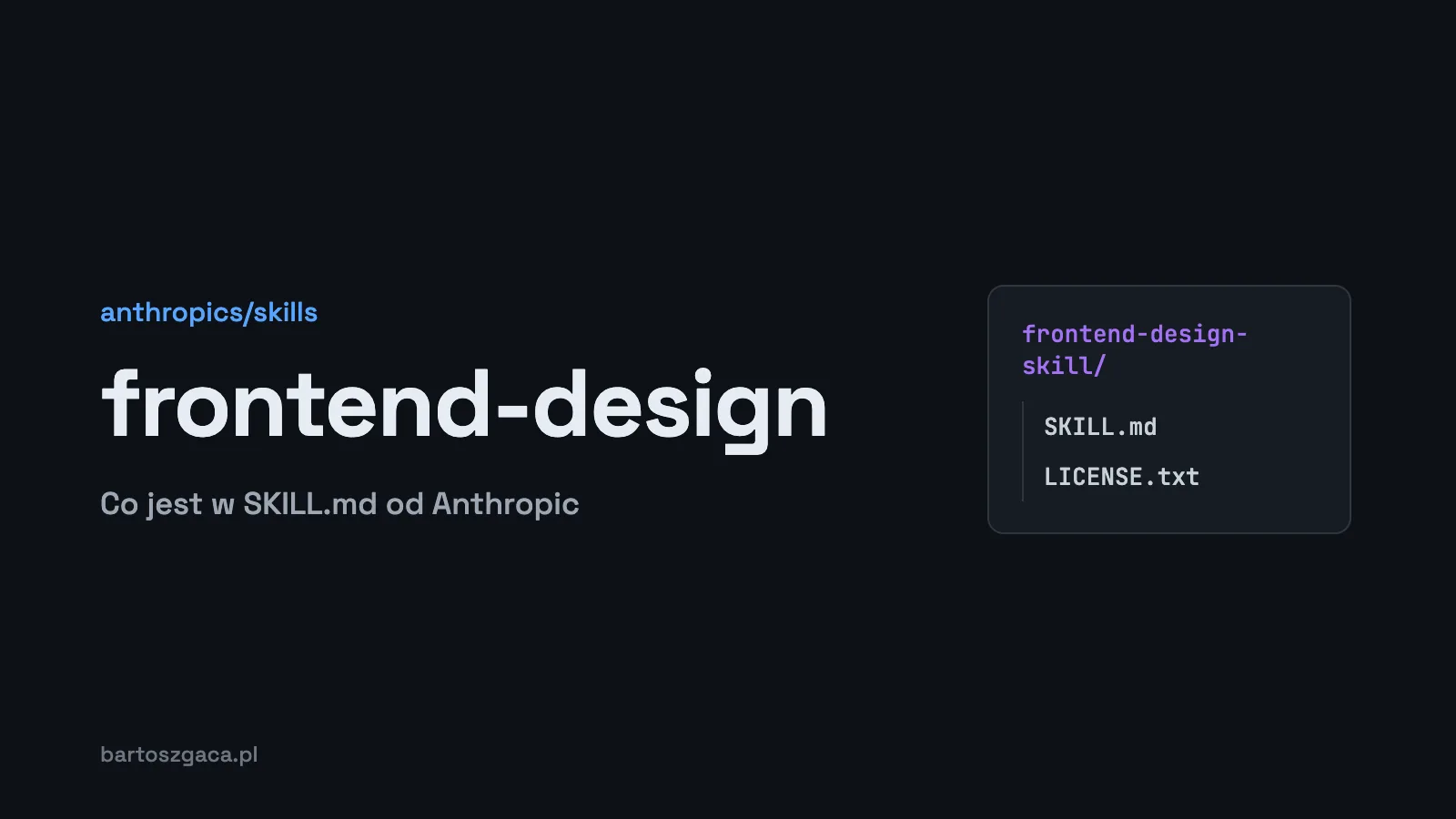
Anthropic's frontend-design skill is a single SKILL.md file in the anthropics/skills repository that tells Claude how to design interfaces that don't look generated. It ships no palettes and no components. What it does contain is a list of five traits that AI design keeps falling into, a two-pass planning process, and a set of rules for interface copy.
TL;DR
- The file lives at
skills/frontend-design/SKILL.mdin anthropics/skills (187,751 stars, November 2026) and is licensed under Apache 2.0.- The most useful part is a list of five clusters that give away AI design, from the cream background with a terracotta accent to the SaaS card kit.
- The process: plan first (4 to 6 named hex colors, type, layout, principles), review the plan against the brief, then write code.
- There is no palette or font database inside. For that, look at UI/UX Pro Max.
- Designers can use the file as a brief even if they never open Claude Code.
Where the file lives and how to install it
anthropics/skills is Anthropic's public skills repository. Its skills/ folder holds canvas-design, theme-factory, web-artifacts-builder, skill-creator and frontend-design, among others. The skill itself is a SKILL.md of roughly 9.4 KB plus a LICENSE.txt carrying the Apache 2.0 license. Everything quoted below is Anthropic's text; I paraphrase most of it and quote only short lines.
In Claude Code, add the repository as a plugin marketplace:
/plugin marketplace add anthropics/skillsThen choose Browse and install plugins, select anthropic-agent-skills and pick a set. The README lists two: document-skills and example-skills. The document set covers docx, pdf, pptx and xlsx, so frontend-design belongs to the example set:
/plugin install example-skills@anthropic-agent-skillsPrefer a lighter install? Copy just the folder. A personal copy goes to ~/.claude/skills/frontend-design/SKILL.md; a project copy goes to .claude/skills/frontend-design/SKILL.md, where you can commit it for the whole team. Claude Code watches these folders and picks up changes without a restart. I cover installation in more depth in Claude Skills explained.
Walking through SKILL.md
The description
The frontmatter description opens with "Guidance for distinctive, intentional visual design when building new UI or reshaping an existing one." It goes on to mention aesthetic direction, typography and avoiding templated defaults. Since Claude decides when to load a skill from this field, frontend-design kicks in both for new builds and for redesigns.
The persona
The first paragraph casts Claude as the design lead of a studio. The client, in Anthropic's words, "has already rejected proposals that felt cliché or templated." I like this framing. It tells the model up front that a safe, average answer counts as failure.
Start from the subject
If the brief doesn't say what the product is, Claude should work it out and confirm it with the client. Distinctive visual choices are supposed to come from the subject's industry, materials and vernacular. A toy for young kids and a dashboard for financial analysts should not look alike. And the design should be built on the brief's real content, not filler.
Design principles
- The hero opens with the most characteristic thing in the subject's world. Anthropic names the default pattern outright: "a big number with a small label, supporting stats, and a gradient accent is the default treatment." Use it only if it really is the best option.
- Typography carries the personality. One family or two, and if two, clearly distinct. A type scale following The Elements of Typographic Style.
- Line length under 80 characters by default.
- Avoid accenting a single word in a headline, all caps labels, and labels nobody needs above content.
- Structure is information. Numbered markers like 01 / 02 / 03 only when the content really is a sequence.
- Motion used sparingly: one orchestrated moment beats a fade-in on every section.
The five AI design tells, and what to do instead
This list is the most useful part of the file. Anthropic describes five clusters that AI-generated design gravitates toward. The first two columns summarize SKILL.md; the third is how I apply the rest of the skill's advice.
| Tell (per Anthropic) | What it looks like | What to do instead |
|---|---|---|
| 1. Warm cream and terracotta | Background near #F4F1EA, high-contrast serif display, accent near #D97757 (SKILL.md notes this is Claude's own accent) | Derive the palette from the product's materials and industry |
| 2. Near-black with one loud accent | Dark background with a single acid-green or vermilion color | Go dark only when the subject calls for it |
| 3. Broadsheet layout | Hairline rules, zero border-radius, dense newspaper columns | Use structure that encodes information about the content |
| 4. SaaS card kit | Identical rounded cards, the same rgba(0,0,0,.1) shadow everywhere, gradient washes as decoration | Let hierarchy show: elements that differ in weight should look different |
| 5. Template chrome | ALL CAPS eyebrow labels above every heading, meta strings like "A · B · C", spaced dashes inside labels, #0B0B0B or #111 instead of black, monospace for small labels, an arrow glued to link text | Remove any ornament that would appear no matter what the subject is |
The file adds an important caveat: "All traits are legitimate for some briefs, but they are defaults rather than choices." If the brief explicitly asks for one of these looks, the brief wins. The skill doesn't ban cream backgrounds. It bans reaching for them on autopilot when the brief leaves that choice open.
The two-pass process
The order of work is the other piece I've adopted. Pass one is a compact plan, written as a small token system:
- Color: a base palette of 4 to 6 named hex values.
- Type: typefaces and their roles.
- Layout: a concept in short sentences and ASCII wireframes, including how content aligns.
- Principles: what makes this particular page unique.
Pass two reviews that plan against the brief. Anything that reads like the generic answer to a similar prompt gets revised, and Claude has to say what it changed and why. Only then does it write code. There's also a practical note on CSS selector specificity, because generated classes often cancel each other out, especially around section padding and margins.
The restraint section opens with "Spend your boldness in one place." One element should be memorable and everything around it quiet. A quality floor applies without fanfare: responsive down to mobile, visible keyboard focus, reduced motion respected, accessible contrast. It closes with Chanel's advice to look in the mirror and remove one accessory before leaving the house.
The writing rules
The last section is about interface copy, and it gets overlooked. Words in a design exist to make the product easier to understand and use. The rules:
- Write from the user's side and name things the way users understand them, not the way the system is built.
- Active voice. A button says what happens: "Save changes," not "Submit."
- One name per action across the whole flow: a "Publish" button produces a "Published" toast.
- Errors explain what went wrong and how to fix it. In the original: "Errors don't apologize, and they are never vague about what happened."
- An empty screen is an invitation to act.
What frontend-design doesn't do
It has no palette library, no font pairings, no framework-specific guidelines and no search. It is a way of thinking written down. When I need concrete values I use UI/UX Pro Max, which ships 192 palettes and 74 font pairings in CSV files plus a design system generator. The two work well together: frontend-design tells Claude what to avoid and how to work, UI/UX Pro Max hands it actual values. I tested UI/UX Pro Max and audited its scripts in UI/UX Pro Max Skill: Install, Hands-on Test and Is It Safe?
Using it as a brief, even without Claude Code
If you design but don't code, this file is still worth your time. Two routes:
Claude.ai: the repository README says the example skills are already available on paid plans. You need code execution turned on in settings, and you enable skills under Customize > Skills.
No tools at all: open SKILL.md on GitHub and treat it as a checklist. Before handing off a mockup, run through the five tells and check whether any slipped in by habit. Before you start drawing, write the plan down: 4 to 6 named colors, typefaces with roles, a rough layout and one sentence on what should be memorable. That same plan works as a brief you can paste into any chat with a model.
Security
Anthropic's documentation is direct: "Use Skills only from trusted sources: those you created yourself or obtained from Anthropic." That advice has numbers behind it. Snyk's ToxicSkills report from February 2026 scanned 3,984 skills from ClawHub and skills.sh and found at least one security issue in 1,467 of them (36.82%), along with 76 confirmed malicious payloads. frontend-design comes from Anthropic, so it fits the trusted definition. I read the whole SKILL.md and it contains instructions only, with nothing to execute. The rule doesn't change, though: read SKILL.md and every bundled file before you install a skill, and check the diff when it updates. More on that in How to write a good SKILL.md.
FAQ
Where is Anthropic's frontend-design skill on GitHub?
In the public anthropics/skills repository, under skills/frontend-design. The main file is SKILL.md (about 9.4 KB), next to a LICENSE.txt with the Apache 2.0 license.
How do I install frontend-design in Claude Code?
Register the repository as a marketplace with /plugin marketplace add anthropics/skills, then pick a skill set under Browse and install plugins. Or copy the frontend-design folder into ~/.claude/skills/ for yourself, or into .claude/skills/ in a repository for your team.
Does frontend-design include palettes or font pairings?
No. It is instructions only: a way of thinking, a list of common AI design tells and a working process. There is no palette database, no font list and no search tool. UI/UX Pro Max covers that side.
Can I use frontend-design without Claude Code?
Yes. The example skills from Anthropic's repository are available in Claude.ai on paid plans with code execution turned on. You can also read SKILL.md as a plain design brief and apply it by hand.
Is the frontend-design skill safe to install?
It comes from Anthropic, which is one of the two sources Anthropic's documentation calls trusted. Still read SKILL.md before installing. The version I read is instructions only, with no scripts to run.
Related reading
For the full comparison of design skills, see Best Claude Skills for UI/UX Design, and for a wider list, the best Claude Code skills in 2026. Below this article you can grab a free pack of two UX skills: Laws of UX and a design system template.