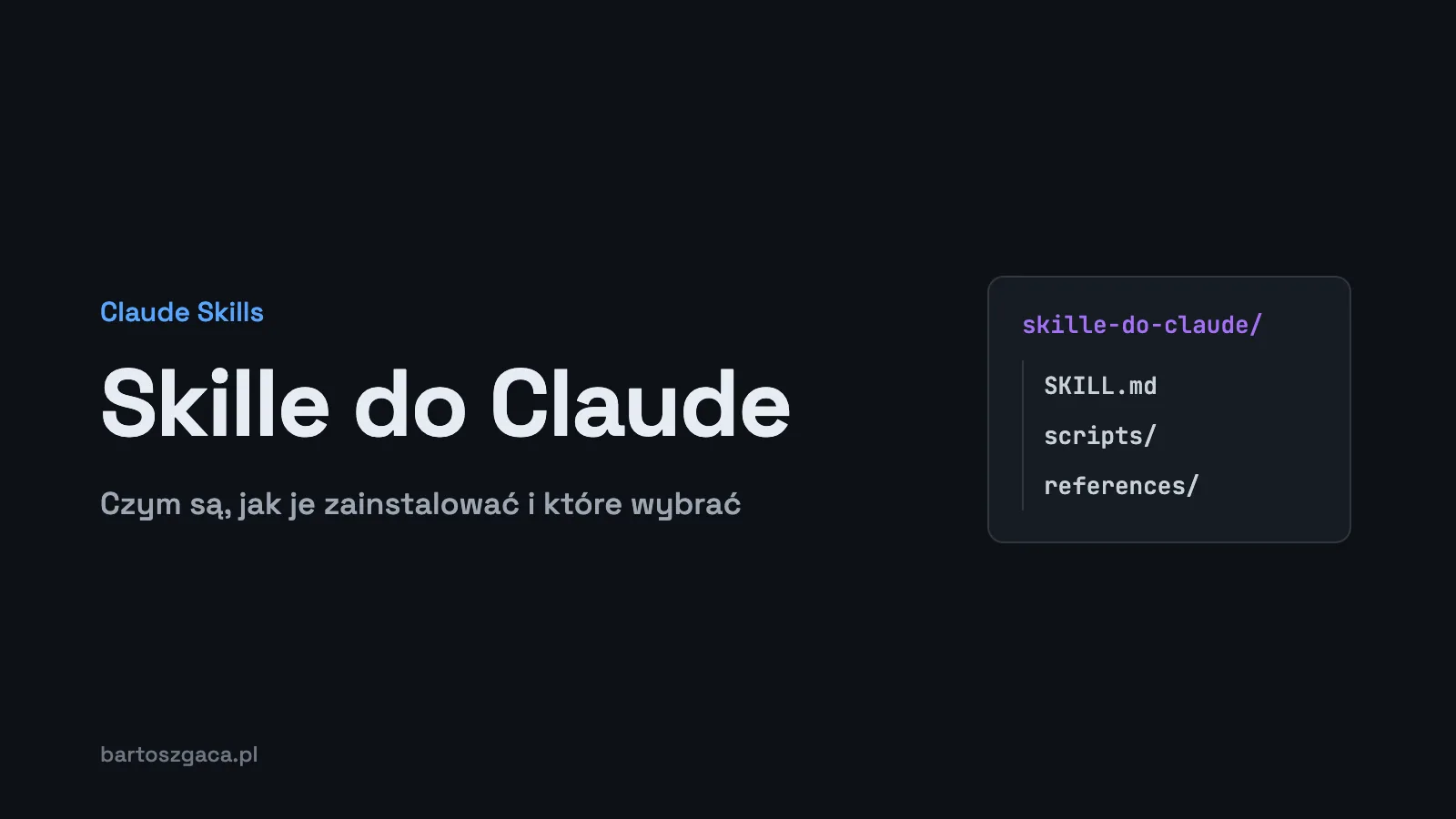
Claude skills are folders with a SKILL.md file: written instructions for the model, plus optional scripts and templates. Claude reads a skill by itself when your task matches its description. You install them in Claude Code (as a folder or a plugin), in Claude.ai (as a ZIP upload) or through the API, and the official Anthropic repository is the safest place to start.
TL;DR
- A skill is a folder with
SKILL.md. Only its name and description sit in context all the time; the rest loads when needed.- In Claude Code, put skills in
~/.claude/skills/(just you) or.claude/skills/in the repo (your team), or install a plugin.- Claude.ai needs code execution turned on, and custom skills go up as a ZIP.
- A skill is knowledge and procedure; an MCP server is access to tools and data.
- Install only from trusted sources and read the files first.
What is a Claude skill?
The cleanest definition comes straight from Anthropic's documentation: "Agent Skills are modular capabilities that extend Claude's functionality. Each Skill packages instructions, metadata, and optional resources (scripts, templates) that Claude uses automatically when relevant."
On disk that means a directory, say humanizer/, containing a SKILL.md. The file opens with YAML frontmatter and two required fields:
---
name: my-skill-name
description: A clear description of what this skill does and when to use it
---
(instructions for Claude go here)
The name field is capped at 64 characters: lowercase letters, numbers and hyphens only, no XML tags, and the reserved words "anthropic" and "claude" are off limits. The description can be up to 1024 characters and should say what the skill does and when to use it. The description is what Claude uses to decide whether to reach for the skill at all, so it deserves real care. I cover that in how to write a good SKILL.md.
Progressive disclosure: why skills don't eat your context
Skills load in layers. At startup Claude only sees the metadata, the name and description, which the docs put at roughly 100 tokens per skill. The body of SKILL.md (Anthropic's guidance is to keep it under 5k tokens) enters the context only when the skill matches the task. Extra files and scripts are opened or run only on demand.
So you can keep a decent number of skills installed without the model carrying all of them in every conversation. If context cost is your problem, my Claude Code token optimization guide goes deeper.
Where Claude skills work
There are three surfaces, each with its own rules. One thing to know upfront: custom skills don't sync between them. A skill uploaded through the API won't show up in Claude.ai, and the other way round.
| Surface | Where the skill lives | How you install it | Watch out for |
|---|---|---|---|
| Claude Code | ~/.claude/skills/, .claude/skills/ in the repo, a plugin's skills/ folder | Copy the folder or install a plugin with /plugin | Plugin skills are called as /plugin-name:skill-name |
| Claude.ai | Your account, under Customize > Skills | Toggle a built-in skill or upload a ZIP | Needs code execution on; custom skills on individual plans are private to your account |
| API | On the platform, referenced by skill_ids | The container parameter plus the code execution tool | No network access and no package installs at runtime |
How to install Claude skills, step by step
Claude Code: drop in a folder
The simplest route. A personal skill, available in every project:
~/.claude/skills/<name>/SKILL.mdA project skill you commit alongside the code so the whole team gets it:
.claude/skills/<name>/SKILL.mdClaude Code watches these directories and picks up changes without a restart. The older .claude/commands/ format still works. By default a skill can be triggered both by Claude (on its own, based on the description) and by you, typing /name. Frontmatter changes that: disable-model-invocation: true stops Claude from calling it on its own, while user-invocable: false leaves it to Claude only.
Claude Code: install a plugin from a marketplace
Ready made skill bundles ship as plugins. Add Anthropic's official repository as a marketplace:
/plugin marketplace add anthropics/skillsThen pick "Browse and install plugins", choose the anthropic-agent-skills marketplace and the document-skills or example-skills bundle. Or install directly:
/plugin install document-skills@anthropic-agent-skills
/plugin install example-skills@anthropic-agent-skills
Some projects bring their own installer. Vercel's collection installs with npx skills add vercel-labs/agent-skills, and UI/UX Pro Max has a separate CLI. I always check the README to see what an installer actually does.
Claude.ai: enable and upload a ZIP
- Turn on code execution: Settings > Capabilities, "Code execution and file creation" (labelled "Create and edit files" in the newer layout).
- Enable built-in skills under Customize > Skills.
- Zip your own skill so that the skill folder is the root of the archive.
- Go to Customize > Skills, click "+", then "+ Create skill" and "Upload a skill".
On plans, the sources disagree: the help center lists Free, Pro, Max, Ultra, Team and Enterprise, while the platform overview page leaves Free out. What is certain is that skills won't run without code execution enabled. On Team and Enterprise an owner can turn off skill creation or share skills with the whole organization (Organization settings > Plugins & skills). Skills enabled in Claude.ai also load in Claude Code when you sign in with the same account, from Claude Code v2.1.273. Details are in Use skills in Claude.
API
In the API you reference skills through skill_ids in the container parameter, and you need the code execution tool. The environment has no network access and can't install packages at runtime, so a skill has to bring everything it needs.
Skill vs prompt vs MCP server
People mix these up, but they answer different questions.
- A prompt is written once, for one conversation. If you paste the same instructions every week, they belong in a skill.
- A skill is packaged knowledge and procedure: how to do something, by which rules, with which templates. Claude picks it up when the task fits.
- An MCP server connects Claude to external tools and data: a database, an API, a calendar. It gives access; it doesn't say how to use it.
In my own setup they work as a pair. The MCP server provides the data, and the skill describes how to work with it.
Popular Claude skills to start with
Don't start with twenty installs. Pick one or two skills that match work you do every week. My short list (GitHub stars, November 2026):
- anthropics/skills (187,751 stars, November 2026). Anthropic's official repository, including docx, pdf, pptx, xlsx, frontend-design, mcp-builder, webapp-testing and skill-creator for building your own. The safest starting point.
- frontend-design from the same repo. A UI design skill built to fight the templated look. I took it apart in what's inside the frontend-design SKILL.md.
- UI/UX Pro Max (145,698 stars, November 2026, MIT license). A searchable database of palettes, font pairings and UX guidelines. Install, test and script audit are in UI/UX Pro Max: install, review, is it safe.
- obra/superpowers (313,001 stars, November 2026, MIT). A set of skills for software development methodology: planning, TDD, debugging, code review. Install with
/plugin install superpowers@claude-plugins-official. - vercel-labs/agent-skills (33,598 stars, November 2026). Vercel's collection, including react-best-practices and web-design-guidelines.
A fuller Claude skills list with notes on each entry is in the best Claude Code skills in 2026, and design skills have their own complete guide to Claude skills for UI/UX.
How I use skills myself
My ~/.claude/skills holds 26 skills (as of November 6, 2026). Some are installed off the shelf: docx, pdf, xlsx and ui-ux-pro-max. The rest I wrote myself, because they encode how I work rather than generic tasks.
- humanizer enforces my style for Polish text, including a ban on dashes.
- fact-checker requires a source for every number.
- remove-ai-marks strips invisible characters from text.
- higiena-sekretow (secrets hygiene) and debug-protocol are procedures I don't want to retype in every chat.
- oferty-sprzedazowe (sales proposals), linkedin-post and site-audit cover recurring business tasks.
I rewrote the description of UI/UX Pro Max in Polish so it triggers on my Polish prompts. It's a good illustration of how much the description controls a skill's behaviour.
I also run team skills, team-dev and team-mar, that orchestrate several subagents. This article came out of exactly that kind of pipeline, with the fact-checker and humanizer in the loop. All my skills live as symlinks from a single folder (~/.agents/skills), and I keep private and work skills strictly apart: work skills sit in a separate .claude/skills inside the company repository.
Security
A skill can include scripts that Claude runs on your machine or in its execution environment. Anthropic's docs are blunt about it: "Use Skills only from trusted sources: those you created yourself or obtained from Anthropic." And: "Audit thoroughly: Review all files bundled in the Skill." and "External sources are risky."
This isn't a theoretical risk. In its ToxicSkills report (February 2026), Snyk scanned 3,984 skills from ClawHub and skills.sh. 1,467 of them (36.82%) had at least one security issue of any kind, and 534 (13.4%) had at least one critical issue. The researchers also confirmed 76 malicious payloads: credential theft, backdoors and data exfiltration.
My rule: before installing someone else's skill, I read SKILL.md and every script in the folder. I check whether the scripts touch the network and what they write to disk. GitHub stars are no substitute for that review. Claude Enterprise customers can additionally enable content scanning of custom skills uploaded to Claude.ai and Cowork. Also note that Agent Skills are not covered by ZDR (zero data retention).
FAQ
What are Claude skills?
A skill is a folder with a SKILL.md file that holds instructions and metadata, optionally with scripts and templates next to it. Claude loads it on its own when a task matches the skill's description. Anthropic describes skills as modular capabilities that package instructions, metadata and optional resources Claude uses automatically when relevant.
Where do I install a skill in Claude Code?
Personal skills go in ~/.claude/skills/name/SKILL.md and work across all your projects. Project skills go in .claude/skills/name/SKILL.md inside the repository, so you can commit them for your team. The third route is installing a plugin with the /plugin command.
Do Claude skills work in Claude.ai without Claude Code?
Yes, as long as code execution is turned on in settings. You enable skills under Customize > Skills and upload your own skill as a ZIP file through Upload a skill. The help center lists the Free plan as well.
What is the difference between a skill and an MCP server?
An MCP server connects Claude to external tools and data. A skill packages knowledge and instructions, in other words how Claude should do a task. They are often used together.
Is it safe to install Claude skills from GitHub?
Only from trusted sources. Anthropic recommends skills you wrote yourself or got from Anthropic, and a full review of every file bundled with a skill. Read SKILL.md and every script before you install.
Further reading
If you want to build your own skill, start with SKILL.md best practices. For ready made picks, see the best Claude Code skills, and two design skills get their own deep dives: frontend-design and UI/UX Pro Max. Below this article there's a free pack of two UX skills: Laws of UX and a design system template.