What hackers can see about your business: 5 free tests in 30 minutes
TL;DR: An attacker starts with what is already public about your company: email addresses from data breaches, forgotten subdomains, devices with open ports and badly configured email. Five free tools show you the same picture before someone else looks. Test only your own domain and your own accounts.
TL;DR
An attacker starts with what is already public about your company: email addresses from data breaches, forgotten subdomains, devices with open ports and badly configured email. Five free tools show you the same picture before someone else looks. Test only your own domain and your own accounts.
Before you start
Prepare three things, each takes a minute:
- a list of company email addresses (including shared ones like office@, invoices@, contact@),
- your company domain, for example yourcompany.com,
- the public IP address of your office. Search "what is my IP" from the office network.
All examples below use my own domain bartoszgaca.pl and the address kontakt@bartoszgaca.pl. Anything I did not want to publish is covered with a black bar.
Test 1. Have I Been Pwned: was your email in a breach
Have I Been Pwned is a free search engine: you type an email address and see which known breaches it appeared in and what data leaked with it (passwords, phone numbers, addresses). The site never shows the password itself.
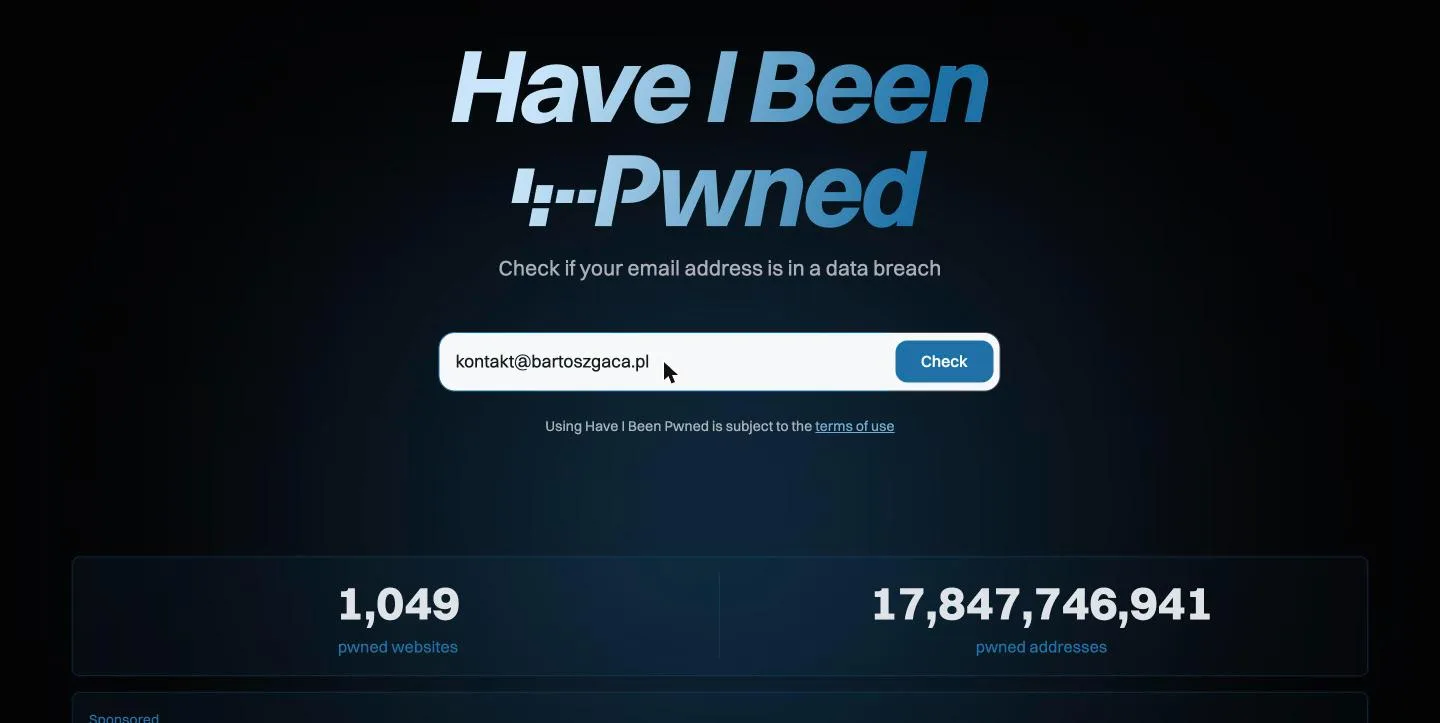
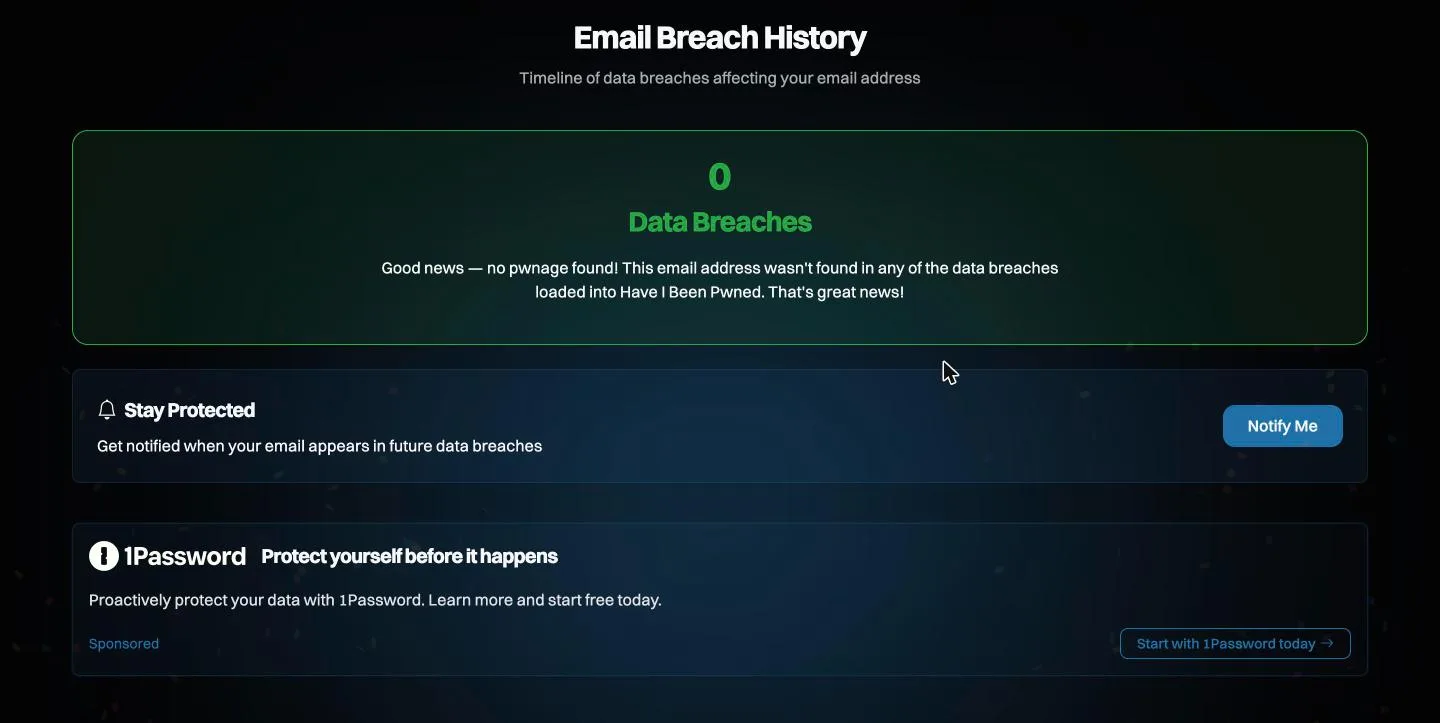
How to read the result. Zero does not mean you are safe. Have I Been Pwned only knows breaches that someone documented and passed on. If the result is red, check whether passwords were among the leaked data. If they were, go to the "After a password leak" checklist below.
Also useful:
- "Notify me" signs the address up for alerts. You get an email when it shows up in a new breach.
- Domain Search lists every address from your domain at once. You first have to prove the domain is yours. At launch, small domains (up to 10 breached addresses) got it for free; check current terms on the Domain Search page.
- Mozilla Monitor runs a similar check and keeps watching your personal addresses. Basic monitoring is free.
Test 2. DeHashed: what an attacker actually sees
Have I Been Pwned tells you that something leaked. DeHashed shows what leaked: the record with the password or its hash, phone number and address. It works for any email and any domain; full records require an account and paid access.
Why are there readable passwords if nobody decrypts them? Some services stored passwords in plain text, so they leaked ready to use. Others stored weak hashes that someone cracked later and shared as "email plus password" lists. On top of that come logs from malware that steals passwords saved in browsers.
How to read the result. Treat every password you see in such a record as burned. Not only on the site it leaked from, but everywhere you used it. Attackers test these lists automatically against email, banking and company panels.
Legal note. Check only yourself and your company. Browsing other people's leaked data is processing personal data without a legal basis.
Passwords and two-factor authentication
The US standards institute NIST changed the rules many companies still enforce in SP 800-63B-4:
- length matters more than special characters,
- a password that is the only protection for an account should have at least 15 characters (with two-factor login the minimum is 8),
- systems should not force password changes every 90 days, only when a password has leaked,
- systems should reject passwords known from breaches.
A short password falls fast because the attacker does not guess it in a login window. They take the hash from a breach and test combinations on a graphics card, offline, with no limit on attempts. Swapping "a" for "@" does not help, cracking tools have those rules built in. Three random words are much stronger than one word with a digit and an exclamation mark.
You can check a password in Pwned Passwords without sending it: only the first 5 characters of its hash go to the service, and the comparison happens on your computer. Password manager breach reports work the same way. A password manager is also the only realistic way to have a different password for every service.
Two-factor login, from weakest to strongest:
- SMS code. Better than nothing, but an attacker can take over the number by getting a duplicate SIM card.
- Authenticator app (Google Authenticator, Microsoft Authenticator and similar).
- Hardware security key plugged into USB or tapped on the phone.
Print the backup codes and keep them offline, for example with your company documents. Without them, losing your phone means losing the account.
Identity: three blocks that work right away (Poland-specific)
A leaked PESEL number (Polish national ID number), address and ID card number are a short path to a loan in your name. Three Polish services make that harder:
- PESEL reservation in the mObywatel app (Polish government app) or at a municipal office. Free, blocks loans and instalment purchases, does not affect doctor visits or official matters. You lift it in the app for the time you take a loan.
- Document reservation after losing an ID card or having it stolen: in mObywatel or at a bank (the Dokumenty Zastrzeżone system, one bank is enough), and also in your BIK account (Polish credit bureau) if you created it earlier.
- Alerty BIK sends a text message when someone applies for a loan in your name. It is a paid annual subscription.
Test 3. crt.sh: every subdomain of your company
Every SSL certificate goes into a public log. The crt.sh search engine shows all certificates issued for your domain, which means also subdomain names: shop, panel, test, old version of the site. Type %.yourcompany.com, the percent sign means "any subdomain". No account needed.
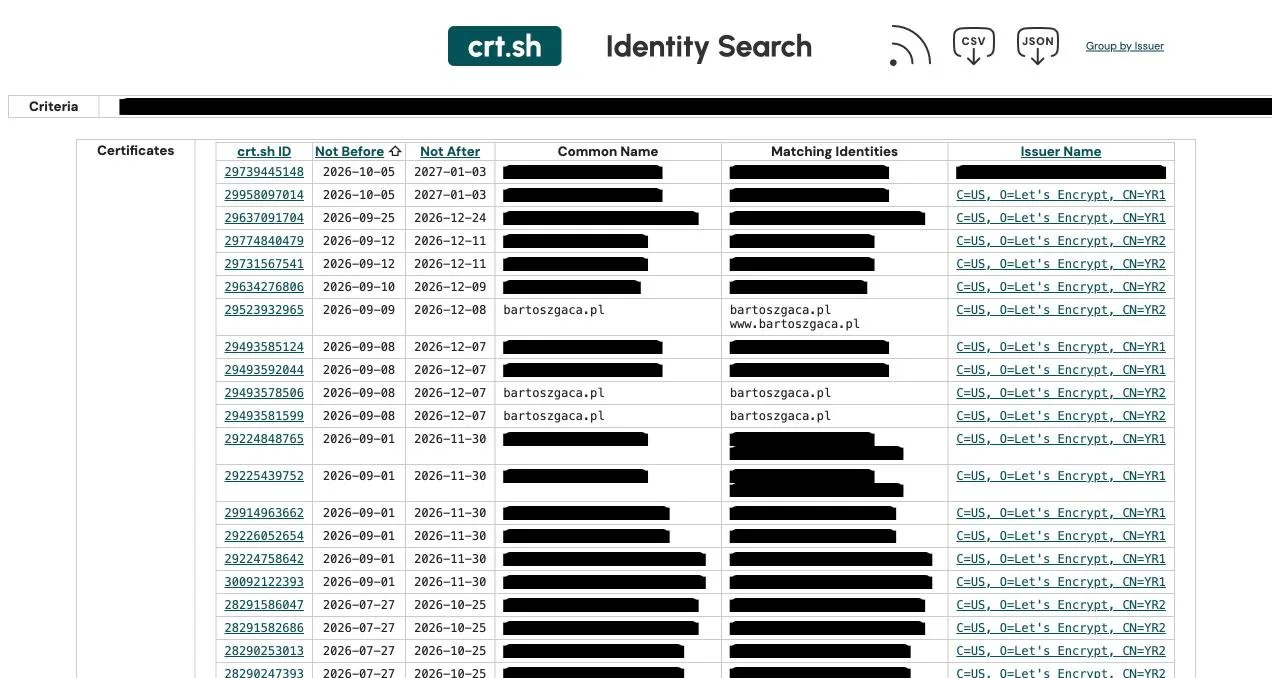
How to read the result. Go through the list and ask for each name: does it still run, and is anyone looking after it? An entry in the log does not mean the server is up today, but an old test panel with a default password is a classic way in.
A second search engine, DNSDumpster, uses a different data source, so compare the results.
Also useful: Google on your own domain (5 minutes). Search for:
site:yourcompany.com filetype:pdfand repeat forxlsxanddocx: forgotten invoices, price lists, contracts,site:yourcompany.com inurl:admin: admin panels in the results,site:yourcompany.com intitle:"index of": folders with file listings.
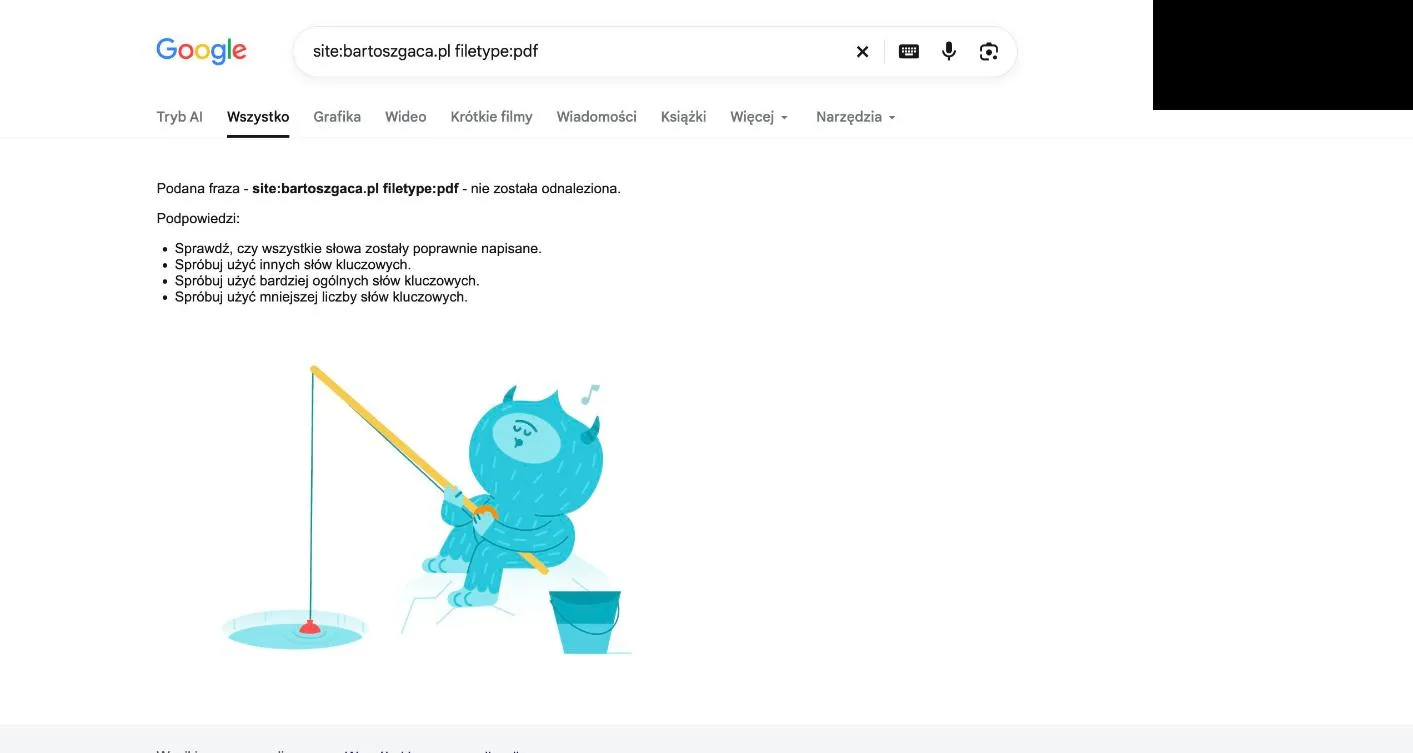
The cache: operator has not worked since 2024, so check older versions of your site in the Wayback Machine. You will see what your site showed years ago, for example old employee emails or deleted pages.
Also useful: PDF metadata. Open any PDF from your site and look at the file properties. They often show the author's full name, their system login and the program used to create the file.
Also useful: lookalike domains. dnstwist generates thousands of variants of your name (typos, swapped letters, other endings) and checks which ones are registered. A domain that looks almost like yours is a tool for swapping the bank account number in an invoice.
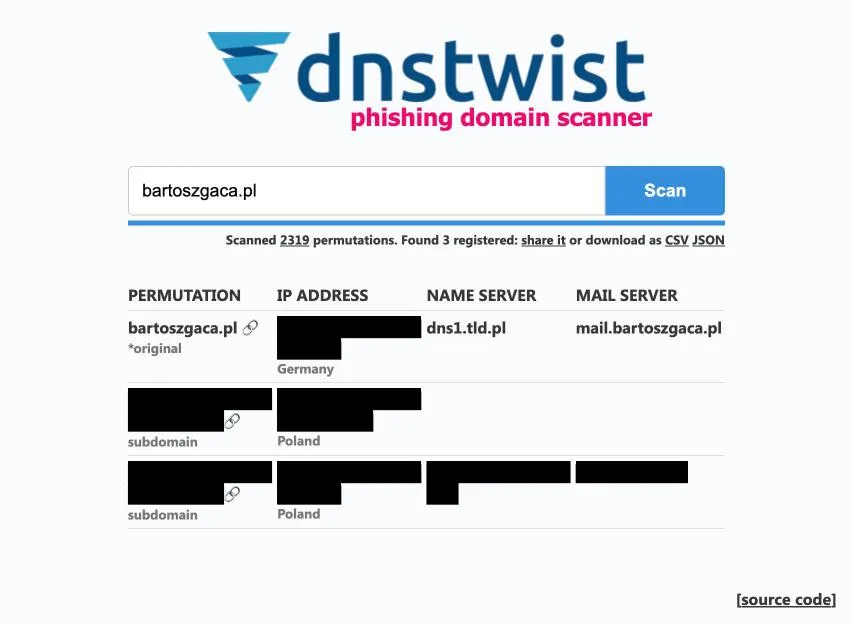
Test 4. Shodan: what the internet sees of your network
Shodan is a search engine for internet-connected devices: cameras, routers, network drives, control panels. It scans the whole internet and records what answers on which port.
The simplest test for an office needs no account. Open https://internetdb.shodan.io/ in your browser with your office IP at the end. You get a list of open ports and known vulnerabilities. If you see a camera, a network drive or remote desktop (port 3389), ask your IT person whether it really needs to be reachable from the whole world.
The full search engine requires an account, and some filters plus more results come with a paid membership. According to Shodan's pricing it is a one-time payment of 49 USD. Shodan runs promotions from time to time where membership costs a few dollars.
How to read the result. A Shodan result is a hint, not proof of a vulnerability. Data can be outdated, and one IP address can serve many companies. Confirm every finding on your own side.
Test 5. Bezpieczna Poczta: can someone impersonate your domain
Three DNS records decide whether a scammer can send an email that looks like it came from you:
- SPF is the list of servers allowed to send mail from your domain,
- DKIM is a digital signature on every email that cannot be forged without your key,
- DMARC tells receiving servers what to do with an email that fails SPF and DKIM.
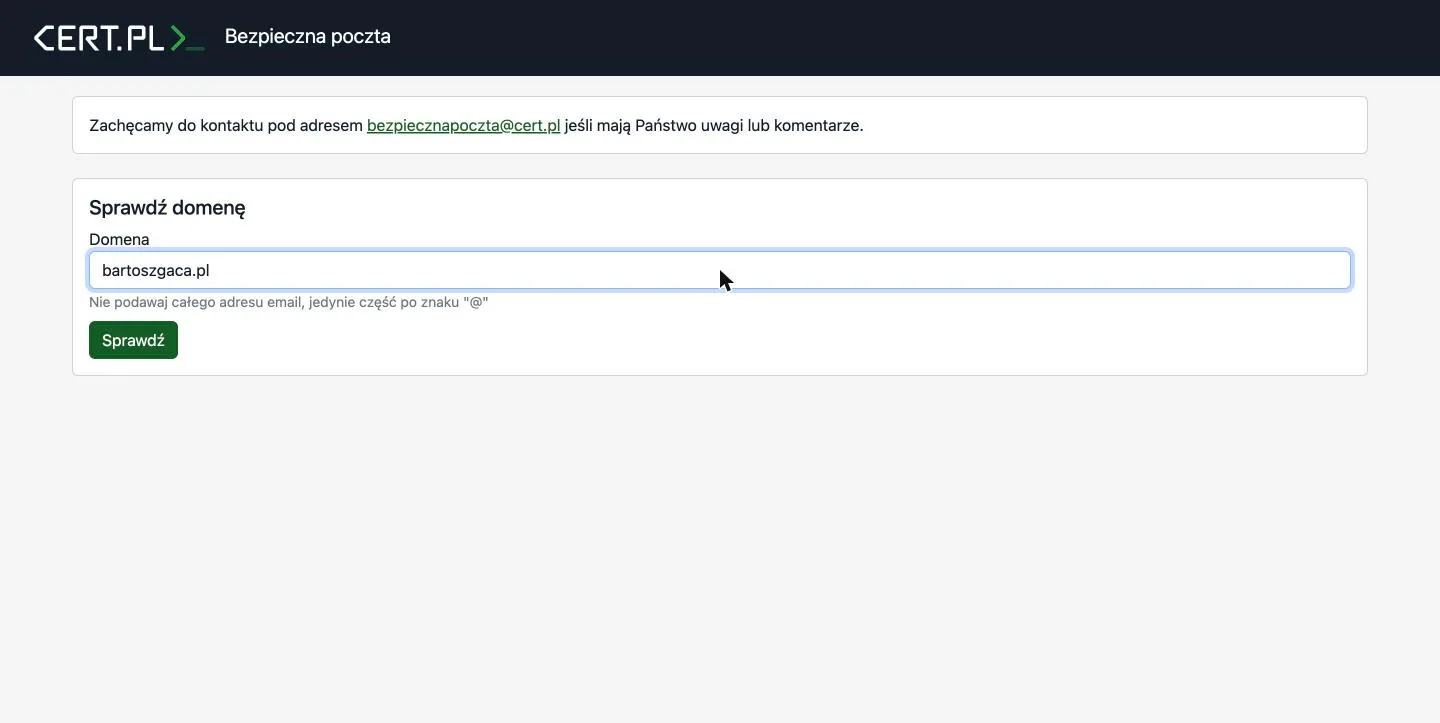
CERT Polska (the Polish national CERT) offers a free tool, Bezpieczna Poczta, with an interface in Polish (Poland-specific, but it works for any domain). The domain test checks SPF, DMARC and encryption of the connection to your mail server. DKIM can only be checked the second way: you send any email from your company mailbox to a one-time address the service gives you and wait for the result.
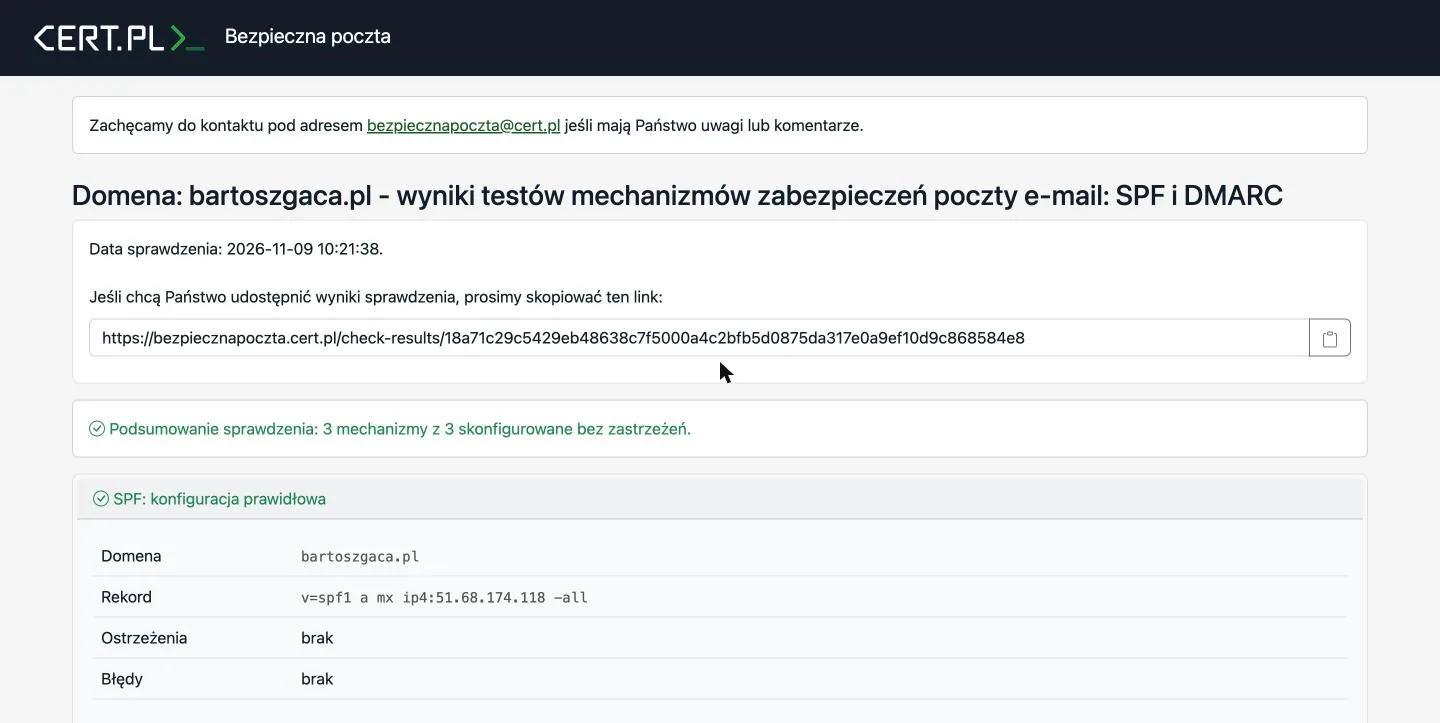
How to read the result. The most common warning is DMARC set to p=none. It means servers only report the problem and still deliver forged emails. Do not switch straight to p=reject. First check in the reports whether all your legitimate mail sources pass: invoicing software, online shop, CRM, newsletter. The order is none, then quarantine (suspicious emails go to spam), finally reject. Setting reject right away can block your own invoices.
An SPF record can make at most 10 DNS lookups. Every include from another provider costs at least one lookup, so with many sending tools the record stops working.
For your IT person: in 2026 the DMARC standard got a new version. RFC 9989 replaced RFC 7489, and reporting is now described in RFC 9990 and 9991.
When something arrives: email, link, text message
Suspicious email. Anyone can type any sender name, so look at the address. In Gmail open the message menu, choose "Show original" and look for spf=, dkim= and dmarc=. pass means the test passed, fail means it failed. A Return-Path address different from the From address is a red flag. Always confirm an email about a changed bank account by phone, on a number you already know, never the one in the email.
Suspicious link. Before you click, paste it into urlscan.io, which opens the page for you and shows a screenshot, or into VirusTotal, which checks it with over 70 security engines. Note: urlscan scans can be public, and files sent to VirusTotal can be shared with its partners and paying customers. Do not paste links with tokens (password reset, invoice link, invitation) or company documents there.
Suspicious text message (Poland-specific). Forward it unchanged to 8080. It is a free CERT Polska service that blocks scam websites. Emails and websites can be reported at incydent.cert.pl.
Customer data breach. If a breach is likely to harm the people whose data it concerns, GDPR (Article 33) requires you to notify the data protection authority within 72 hours of becoming aware of it. In Poland that is UODO (uodo.gov.pl, Poland-specific). If the risk to people is high, you must also inform them (Article 34).
After a password leak:
- change the password everywhere you used it,
- turn on two-factor login,
- sign out all sessions (in your Google account: Security, Your devices),
- check forwarding rules and filters in your mailbox, attackers set them up to quietly read payment emails,
- check the list of devices signed in to the account.
Covering data in screenshots and PDFs
Before you send or publish a screenshot, cover data with a solid black rectangle. Do not use pixelation or blur: for short text such as numbers and logins, there are tools that recover the original.
In PDFs, a black rectangle drawn in an ordinary PDF viewer only covers text that is still in the file. You can select it and copy it. Use the redaction feature ("Redact"), which removes the text under the bar, then check the result by trying to select the covered area.
Legal
Run every test in this guide on your own domain, your own accounts and your own IP. Looking at public data in Shodan or crt.sh is legal, but trying to log in to someone else's panel you found there is a crime (in Poland, Article 267 of the Criminal Code). Leaked data is for changing your own passwords, not for checking other people.
Checklist for one afternoon
- Have I Been Pwned: all company addresses, alerts turned on
- DeHashed: are your passwords in the records (if so, change them everywhere)
- password manager and two-factor login on email, banking and your domain account
- PESEL reserved in mObywatel (Poland-specific)
- crt.sh: subdomain list reviewed, unused ones switched off
- Google:
site:withfiletype:pdf,inurl:admin,intitle:"index of" - dnstwist: has anyone registered a lookalike domain
- internetdb.shodan.io: open ports on the office IP
- Bezpieczna Poczta: domain test and email test (DKIM)
- DMARC at least at
p=quarantine
Frequently asked questions
Have I Been Pwned shows 0 breaches. Am I safe?
No. The service only knows breaches that someone documented and passed on. Zero means no known breaches, not no breaches.
Can I look up other companies in Shodan?
Viewing public data is legal. Logging in to panels you find, even with a default password, is a crime (in Poland, Article 267 of the Criminal Code).
Is an SMS code enough as a second factor?
It is much better than a password alone, but the weakest two-factor method, because the number can be taken over with a duplicate SIM card. For email and banking choose an authenticator app or a hardware key.
Do I have to report a customer data breach?
Yes, if the breach is likely to harm the people whose data it concerns. GDPR (Article 33) gives you 72 hours from discovery to notify the data protection authority.
How often should I repeat these tests?
Have I Been Pwned and Mozilla Monitor do it for you once alerts are on. Repeat the other tests after every change to your website or email: a new shop, new invoicing software, a new subdomain.
Does a password need special characters?
No. Under NIST SP 800-63B-4 length is what counts. A password that is the only protection should have at least 15 characters, and the system should not force a change every 90 days.